- Recipe
- Shopping list
- Grocery cart
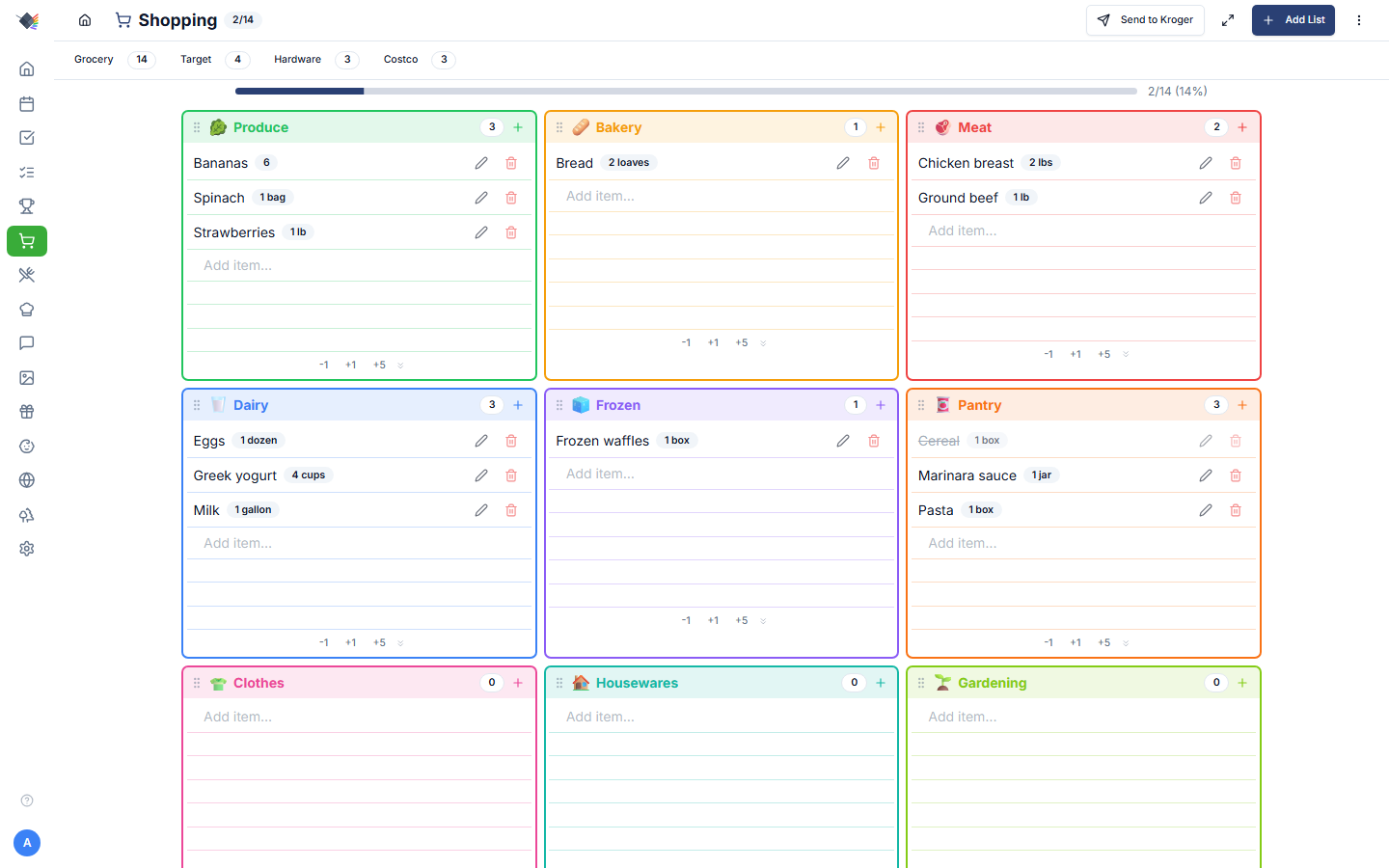
Add a recipe's ingredients to the shopping list, then send the whole list to your cart at a Kroger-family store with one tap.
Self-hosted family display
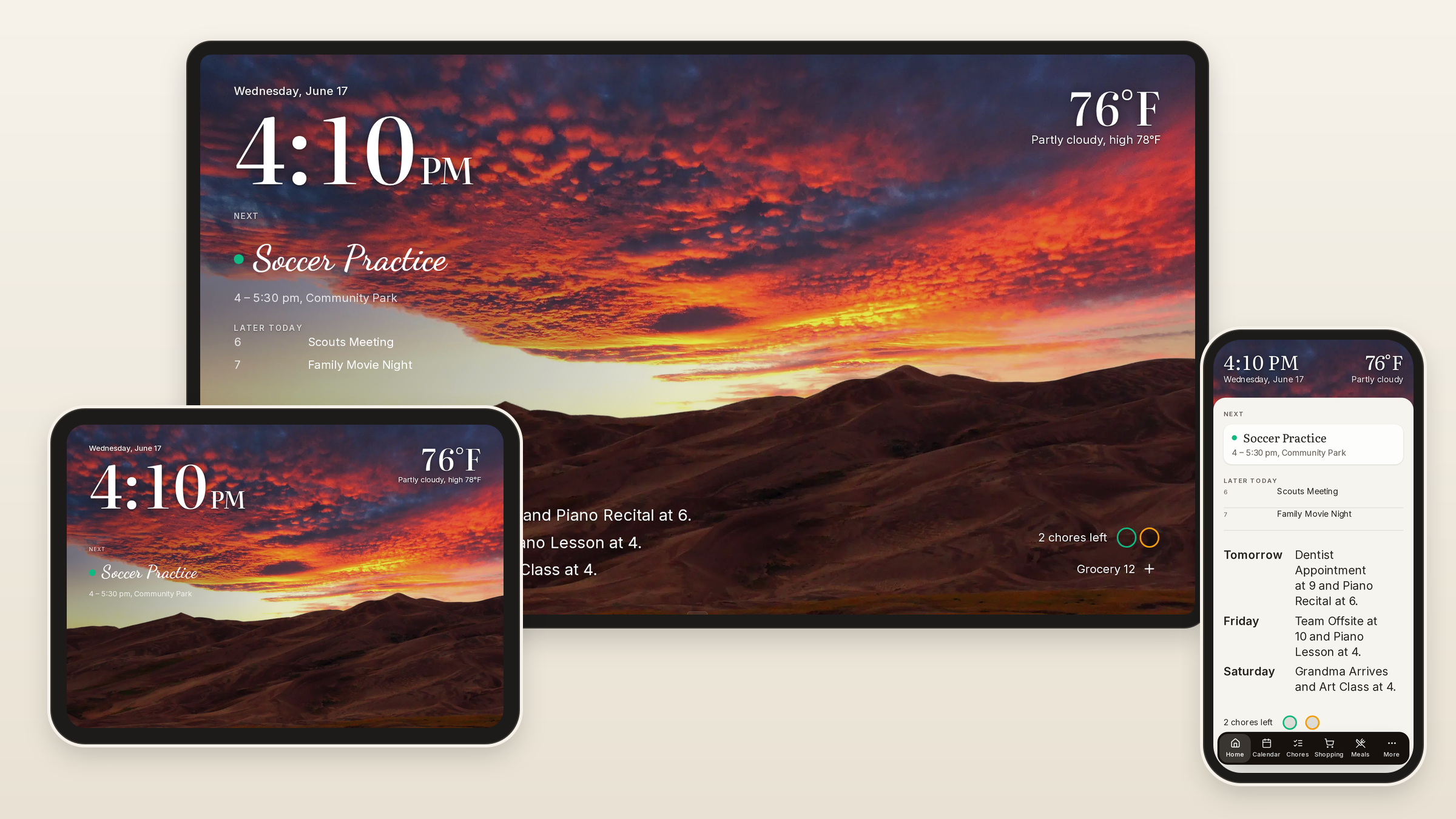
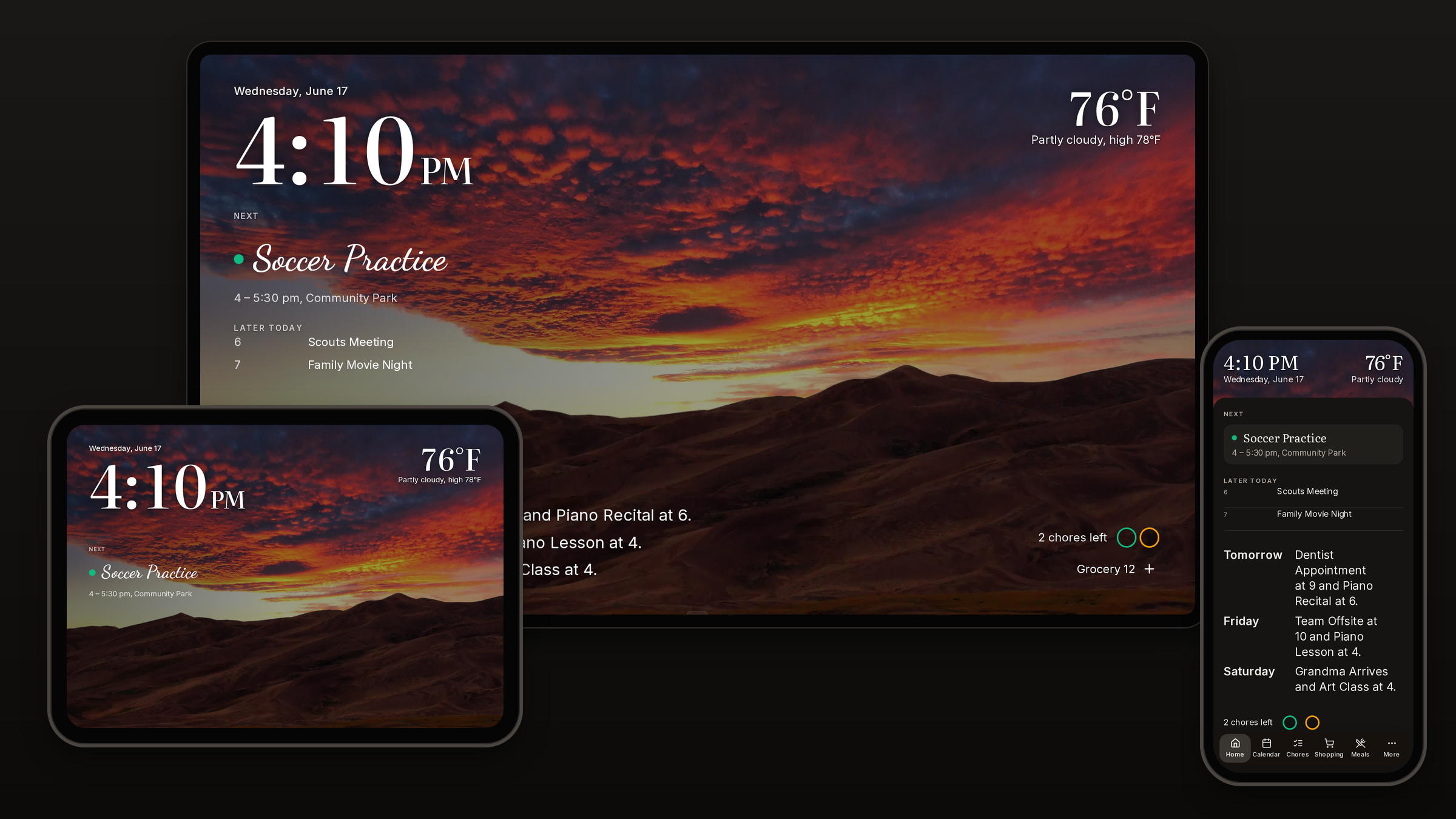
Calendars, chores, meals and shopping on one calm screen, and in every pocket. No subscription, no account. Your data stays in your house.
Works together
Recipes, lists, chores and calendars usually sit in separate apps. In Prism they share one household, so something you add in one place shows up wherever it is needed.
Add a recipe's ingredients to the shopping list, then send the whole list to your cart at a Kroger-family store with one tap.
Kids tick off chores on the wall and a parent approves them. The points go toward a reward the kid picked.

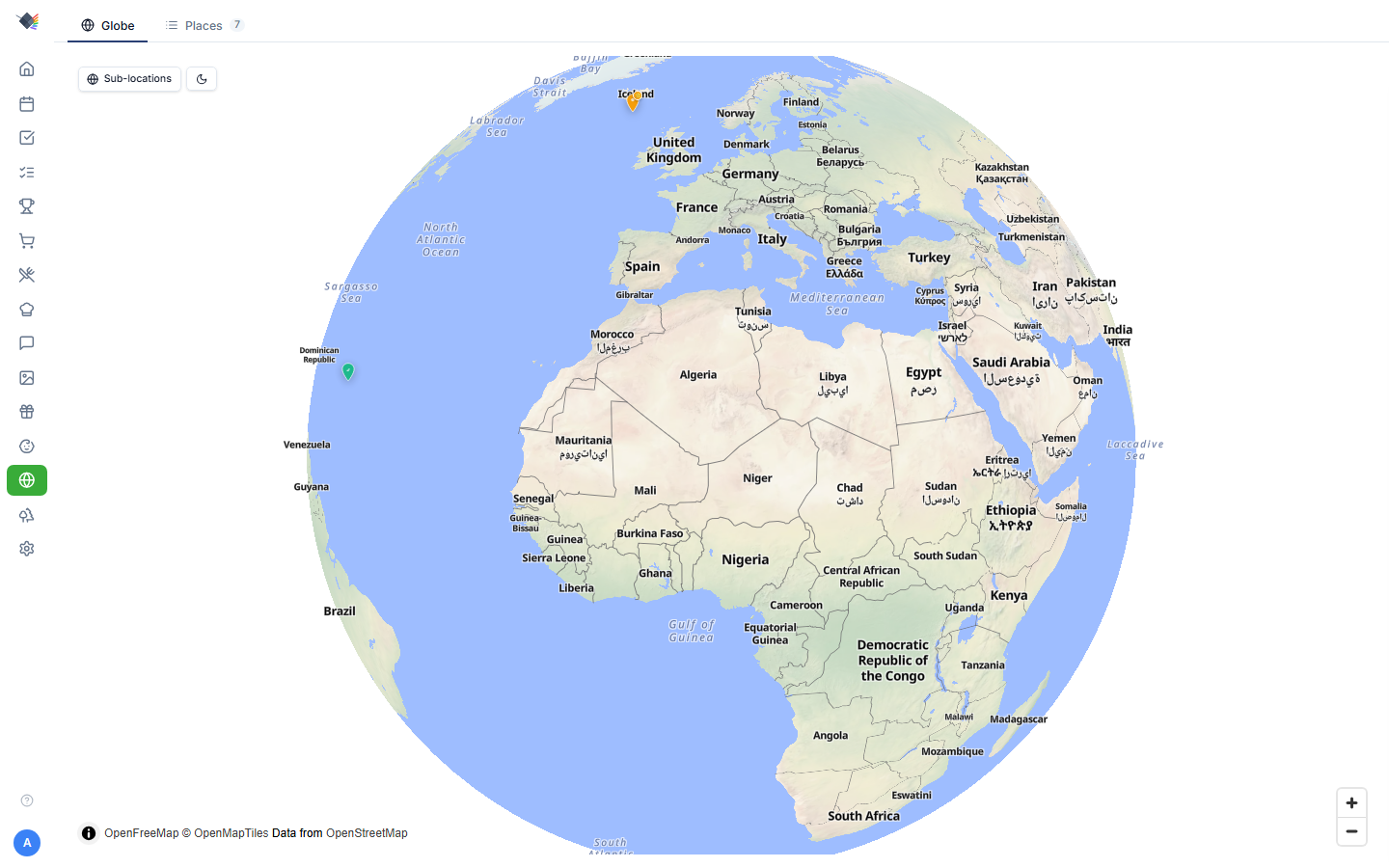
When nobody is using the wall, it turns into a photo frame with the time and weather, and your trips show up as pins on a globe.
Works with what you use
Prism shows the services your family already keeps things in, and where a service allows it, a change made in Prism goes back to it. Nobody has to move anything or keep a second copy.
Your calendars stay in Google or iCloud. Events you add or edit on the wall change there too, and any calendar link works.
Your to-dos stay in Microsoft To Do or Google Tasks, and your shopping and wish lists in To Do. A tick on the wall ticks the item there too.
Your recipes and meal plans stay in Tandoor or Mealie, and the shopping list goes to your Kroger cart.
Your photos stay in OneDrive or Immich and fill the wall when nobody is using it.
A day at home
What the family needs to know changes through the day, and the same screen keeps up with it.
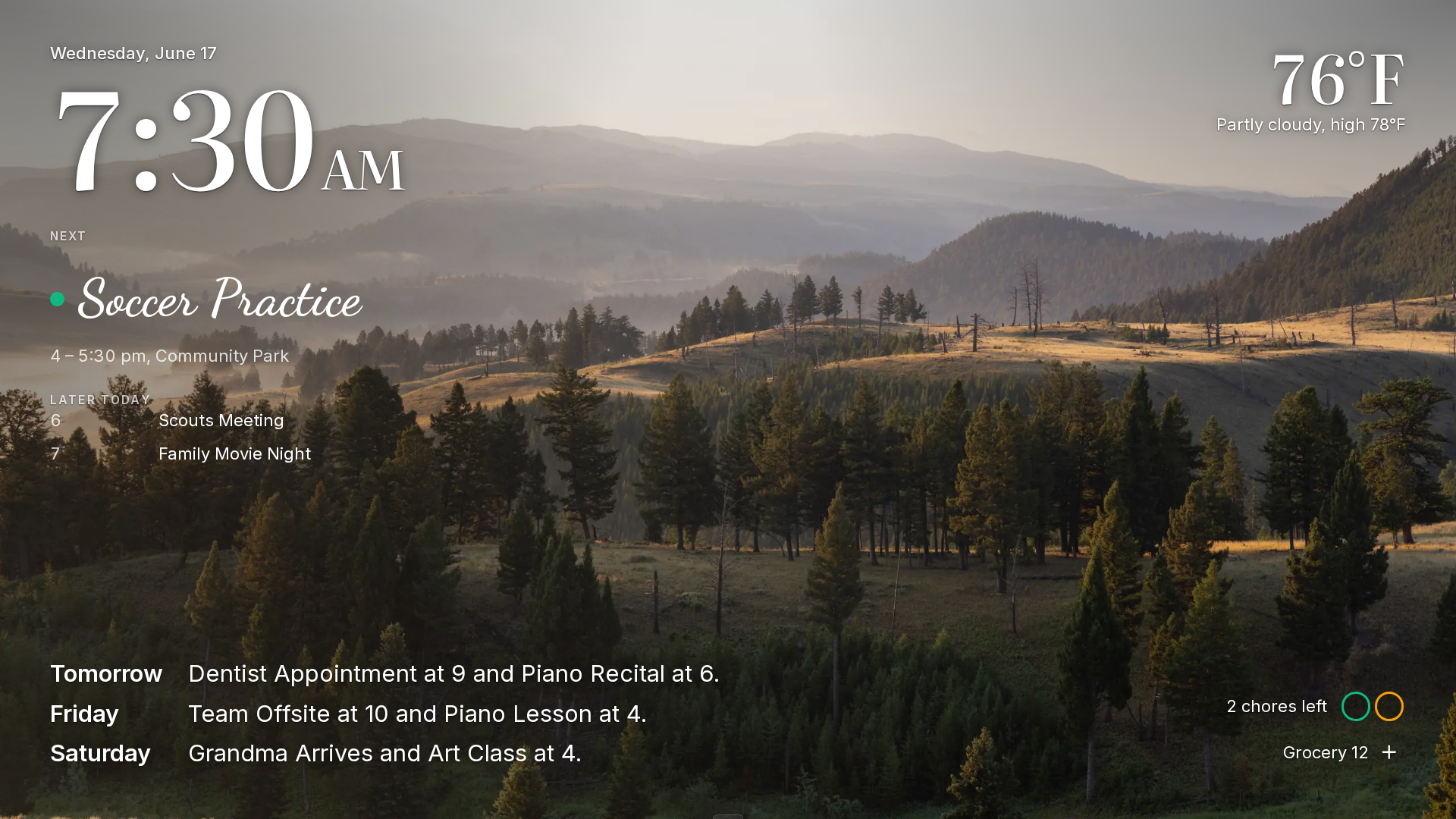
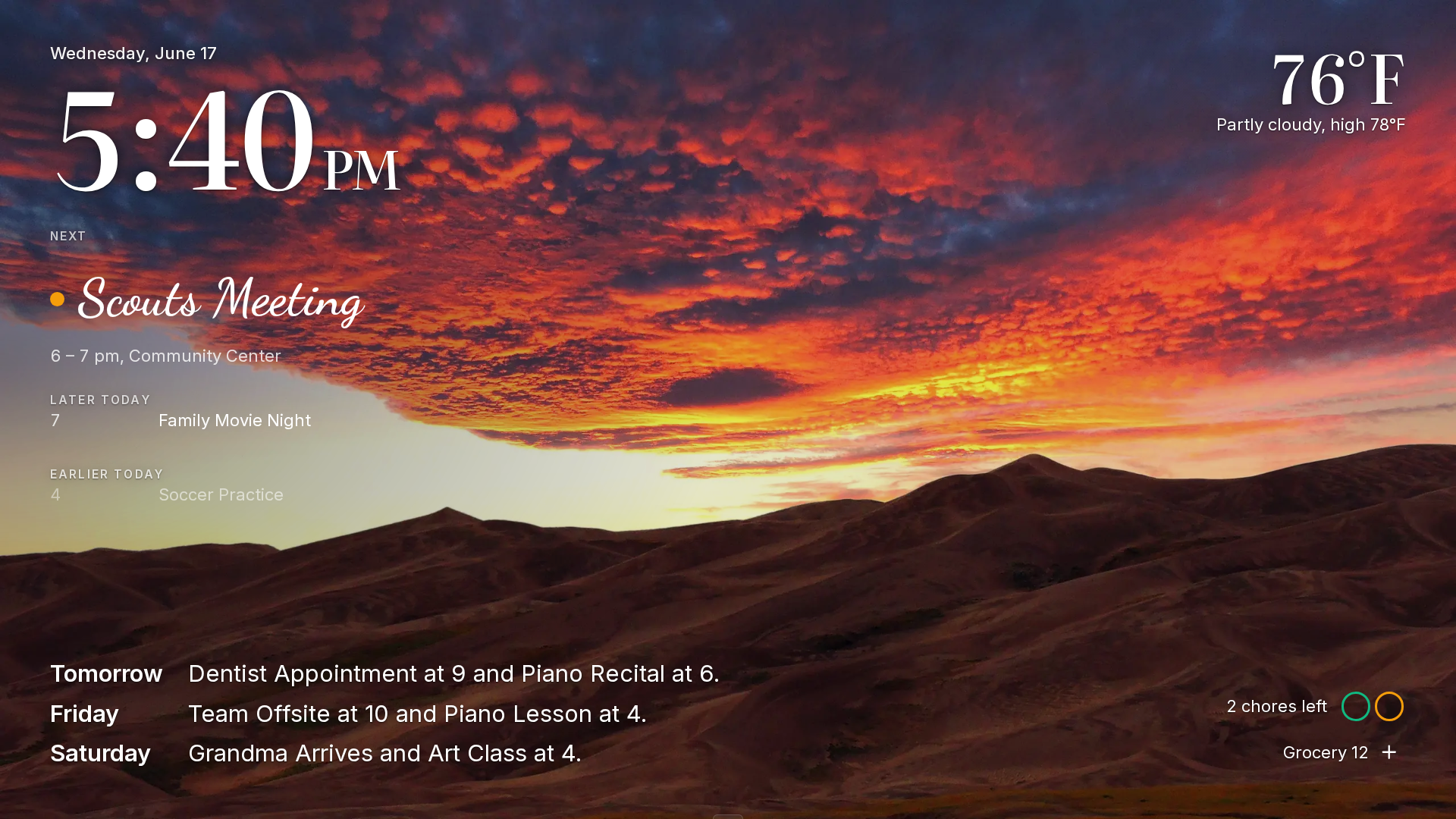
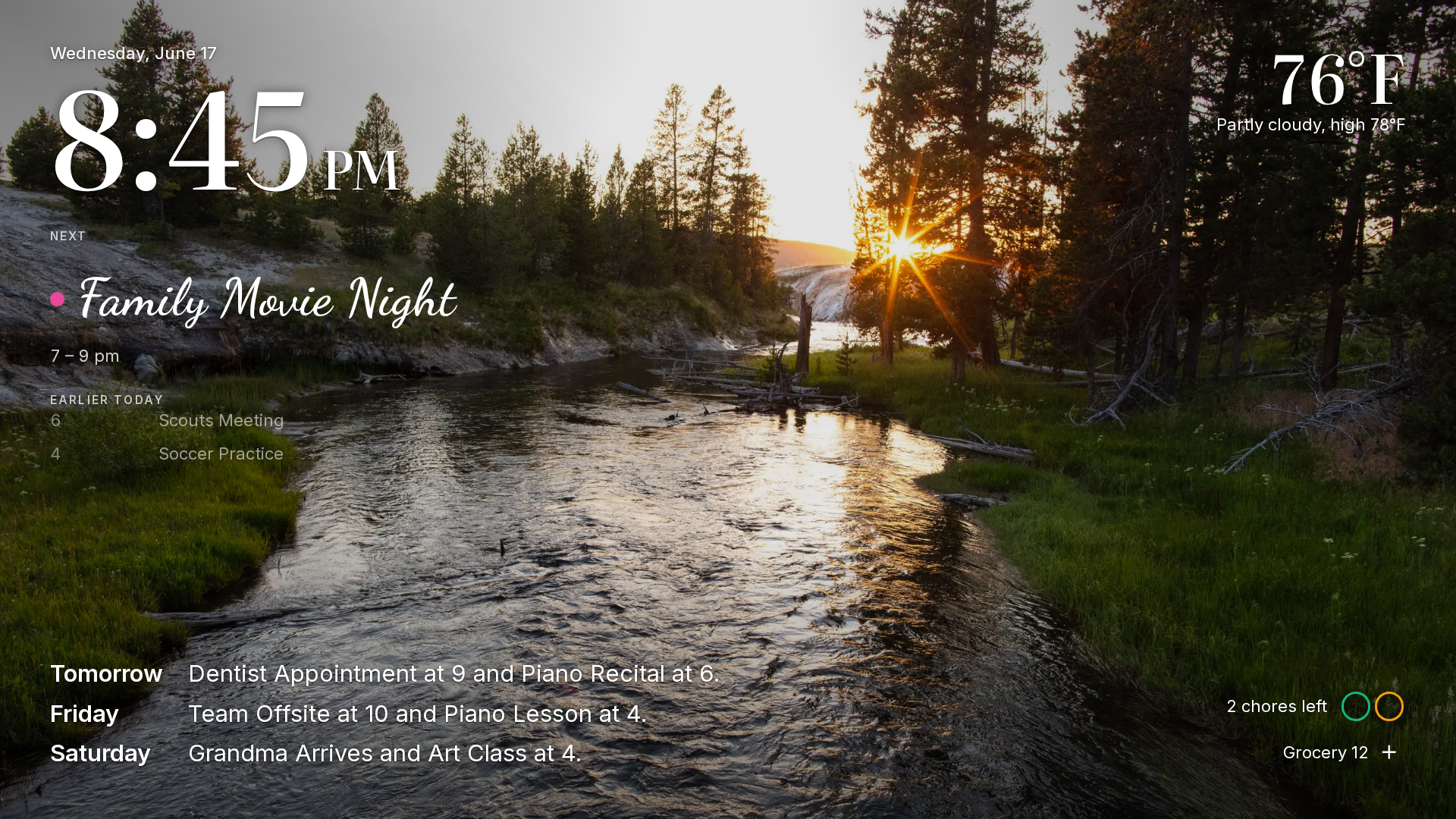
Install
Prism runs as a set of Docker containers. Each of these ways takes a few minutes, so pick the one that suits your setup.
Before you install
Nothing. There is no paid tier and no subscription, and you never make an account.
On your own machine, in a Postgres database next to the app. You can export it from Settings > Backup.
It talks to the services you switch on (calendars, photos, weather, grocery) and makes one anonymous update check a week, which you can turn off. What it sends.
Prism is free for personal and non-commercial use under PolyForm Noncommercial 1.0.0. You can run it, change it and share it; you cannot sell it or run it as a paid service.
Your install keeps working. It does not depend on any server of ours, and your data sits in a standard database that you own.
Anything with a web browser will do: a TV or monitor on the wall, a tablet, or a phone, where you can install it as an app.